
🔄 Factory Reset Guide
How to Factory Reset Google Nest Wifi Pro
Learn how to securely restore your Google Nest Wifi Pro WiFi extender back to its factory default settings.
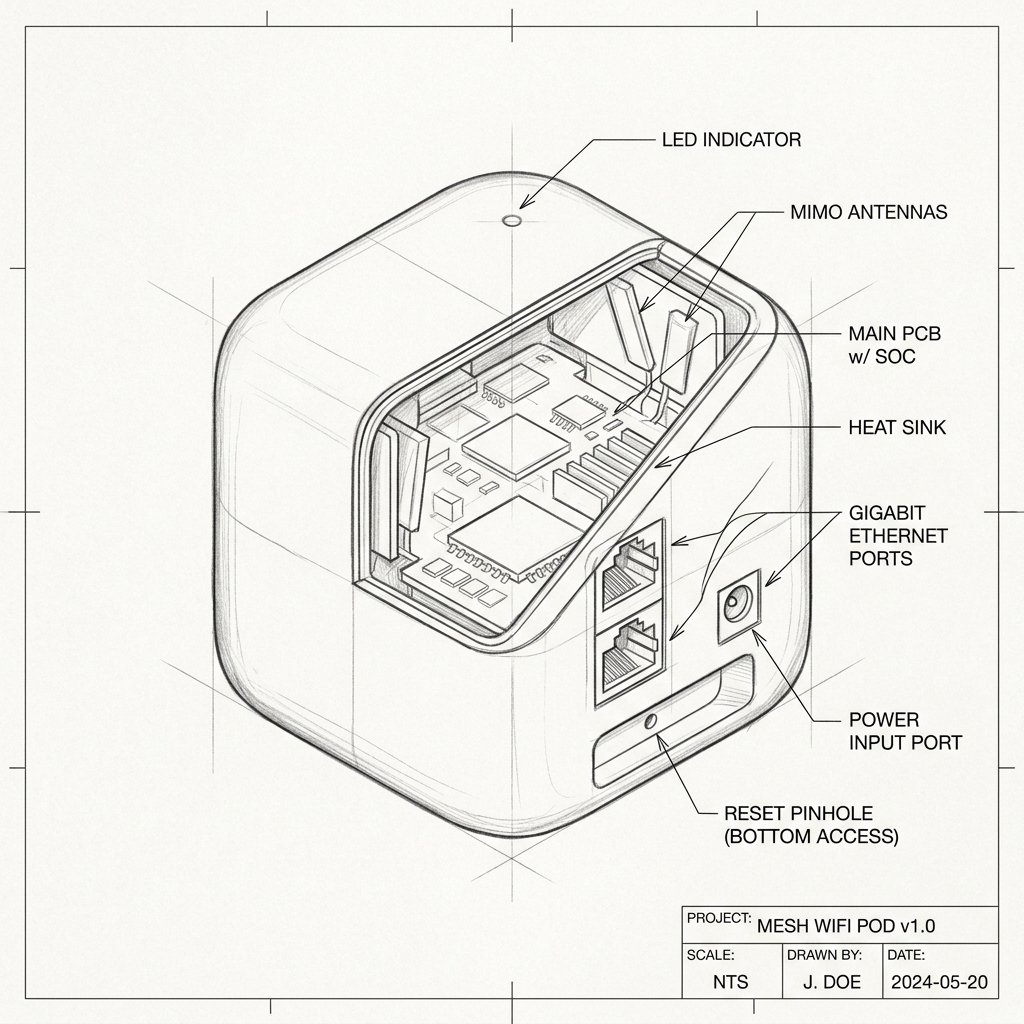 Mesh Node / Pod
Hardware Reset Reference
Google Nest Wifi Pro Reset Location
Locate the dedicated physical Reset pinhole or recessed button shown in the diagram. Use a paperclip or SIM eject tool to press and hold according to the steps below.
Reset Button / Pinhole LED Blink Confirmation
- Ensure the extender is plugged in and powered on.
- Locate the Reset button or pinhole on the device.
- Use a paperclip to press and hold the Reset button for 10 seconds.
- Release the button when the LED lights blink or turn off.
- Wait 2 minutes for the extender to reboot to factory defaults.