
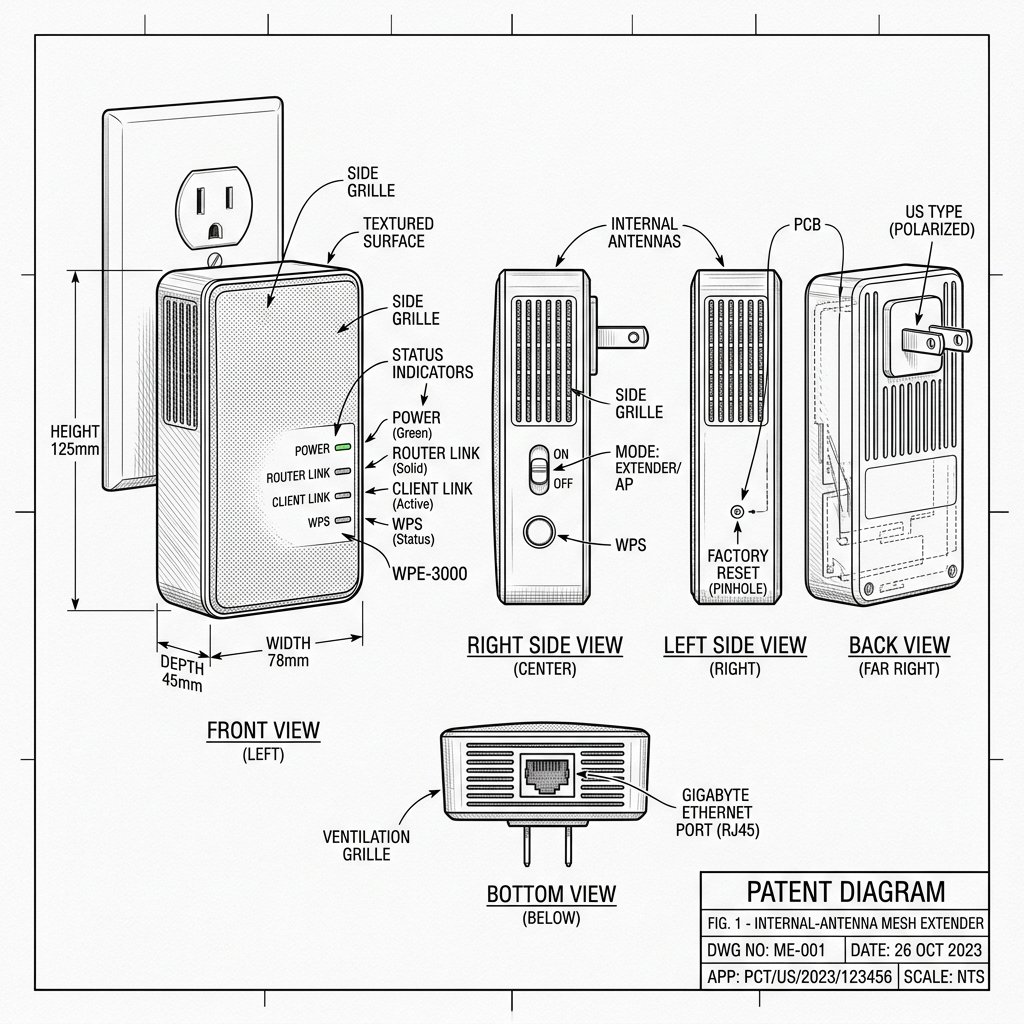
 Internal-Antenna Mesh Extender
Hardware Safety & Status
Netgear EX6400 Firmware Guide
Monitor your device's Power and System LEDs during the upgrade process. Keep the device plugged in and connected via Ethernet or stable WiFi until the reboot cycle finishes.
Solid Power LED
Stable Network
Do Not Unplug
How to Update NETGEAR EX6400 Firmware
Keeping the EX6400 updated improves security and stability and can fix disconnection issues.
Step 1: Download the Correct EX6400 Firmware File
- On a computer, go to the official NETGEAR Support / Download Center.
- Search for your exact model: EX6400.
- Open the Downloads section and locate the latest firmware version for EX6400.
- Click Download and save the ZIP file to a convenient location like your desktop.
- Unzip the file; inside you’ll find the actual firmware file ending in
.chkor.img.
Step 2: Connect Directly to the EX6400
- Make sure the EX6400 is powered on and the Power LED is solid.
- Connect a computer to the EX6400 via WiFi (its extended network) or via Ethernet using the Gigabit port.
- Disable VPNs or proxies during the update; they can interfere with the management page.
Step 3: Log In to the EX6400 Management Page
- Open a browser and type http://mywifiext.net in the address bar.
- If that doesn’t work, try http://mywifiext.local or 192.168.1.250.
- Enter your extender admin credentials (username usually admin, password is what you set at first setup).
Step 4: Upload the New Firmware File
- Go to Settings > Firmware Update (or Maintenance > Firmware Upgrade depending on the UI).
- Click Browse / Choose File and select the unzipped firmware file you downloaded in Step 1.
- Click Upload to start the update.
Important: Do not unplug the extender, turn off your router, or close the browser while the firmware is uploading and installing.
Step 5: Wait for the Extender to Reboot
- The EX6400 will reboot automatically once the firmware upload finishes.
- Wait until the Power LED returns to solid green; this can take several minutes.
Step 6: Confirm the Firmware Version
- Log back in to http://mywifiext.net.
- Check the firmware version on the Status or Firmware Update page to make sure it matches the latest release you installed.
Step 7: Re-test Your WiFi Connection
- Walk around your home with a phone or laptop and test WiFi in key rooms.
- Verify that the extended network broadcasts correctly and that speeds and stability feel normal or improved.