
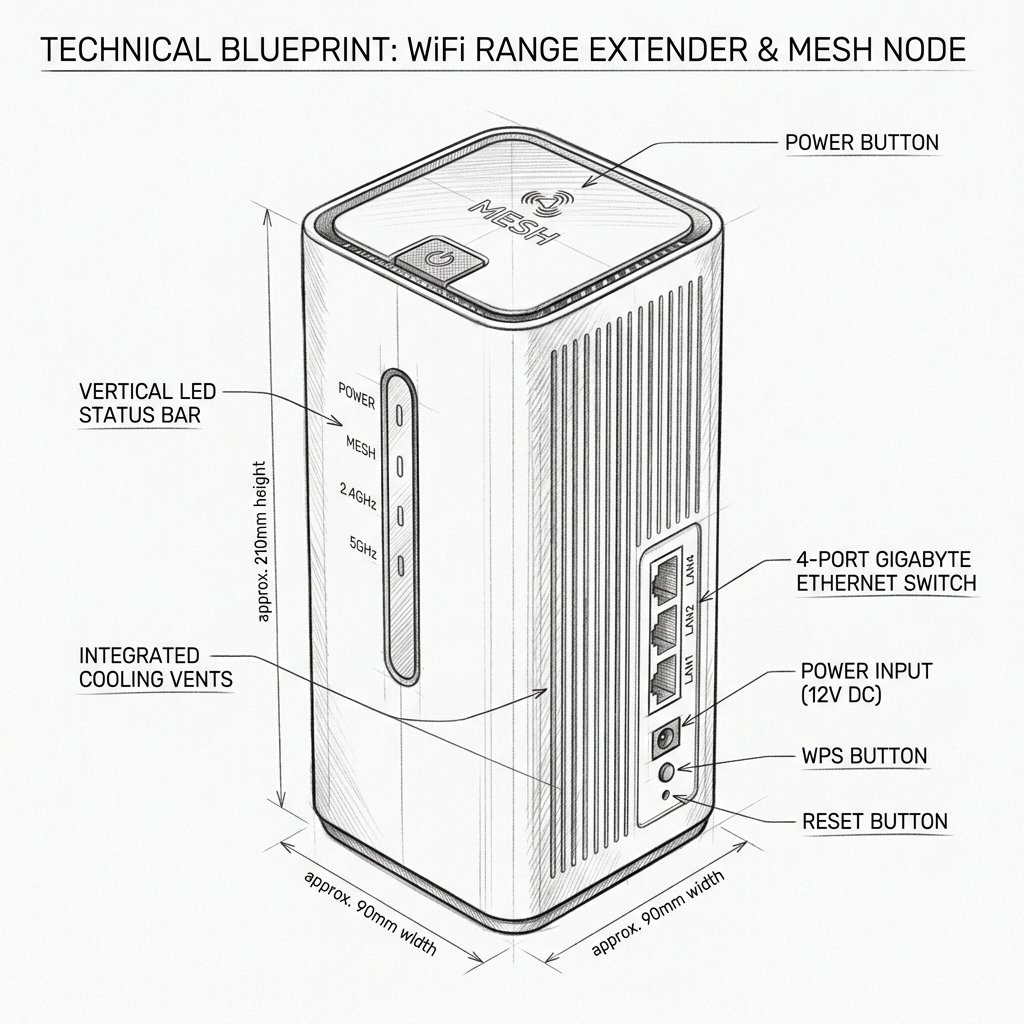
 Desktop High-Power Tower
Hardware Safety & Status
Ubiquiti AmpliFi AmpliFi Alien Firmware Guide
Monitor your device's Power and System LEDs during the upgrade process. Keep the device plugged in and connected via Ethernet or stable WiFi until the reboot cycle finishes.
Solid Power LED
Stable Network
Do Not Unplug
Firmware Update for AmpliFi Alien
AmpliFi Alien firmware can be updated through the AmpliFi app. The router can also be updated through its web interface when an official firmware file is available.
Automatic or App-Based Update
- Open the AmpliFi app.
- Tap the AmpliFi Alien router icon.
- Open the router’s information or settings section.
- Select Update.
- The app will check whether a newer firmware version is available.
- If an update appears, review the prompt and tap Update or Upgrade.
- Keep the Alien powered on and connected to the internet while the update runs.
- Wait until the router restarts and returns to its normal solid-white ready state.
Firmware Update LED Behavior
- During an upgrade, the Alien’s LED may gradually increase in brightness.
- MeshPoint LEDs may light up one at a time while the system updates.
- A temporary WiFi interruption is normal during the restart.
- Do not unplug the Alien, press the reset button, or disconnect the modem during the update.
Manual Firmware Update
Use manual updating only when you have an official firmware file for the exact AmpliFi Alien model. Do not use firmware intended for AmpliFi HD, Instant, or another router model.
- Download the correct firmware file from an official AmpliFi source.
- Connect a computer to the AmpliFi network.
- Open the AmpliFi web interface.
- Open the system update page, such as
http://amplifi.lan/sysupdate.php, if supported by your device and firmware. - Select the Alien router you want to update.
- Click Choose File and select the official firmware file saved on your computer.
- Click Upload, then select Update Now.
- Wait for the update and automatic restart to finish completely.