
 Desktop High-Power Tower
Ubiquiti AmpliFi AmpliFi Alien Reset Location
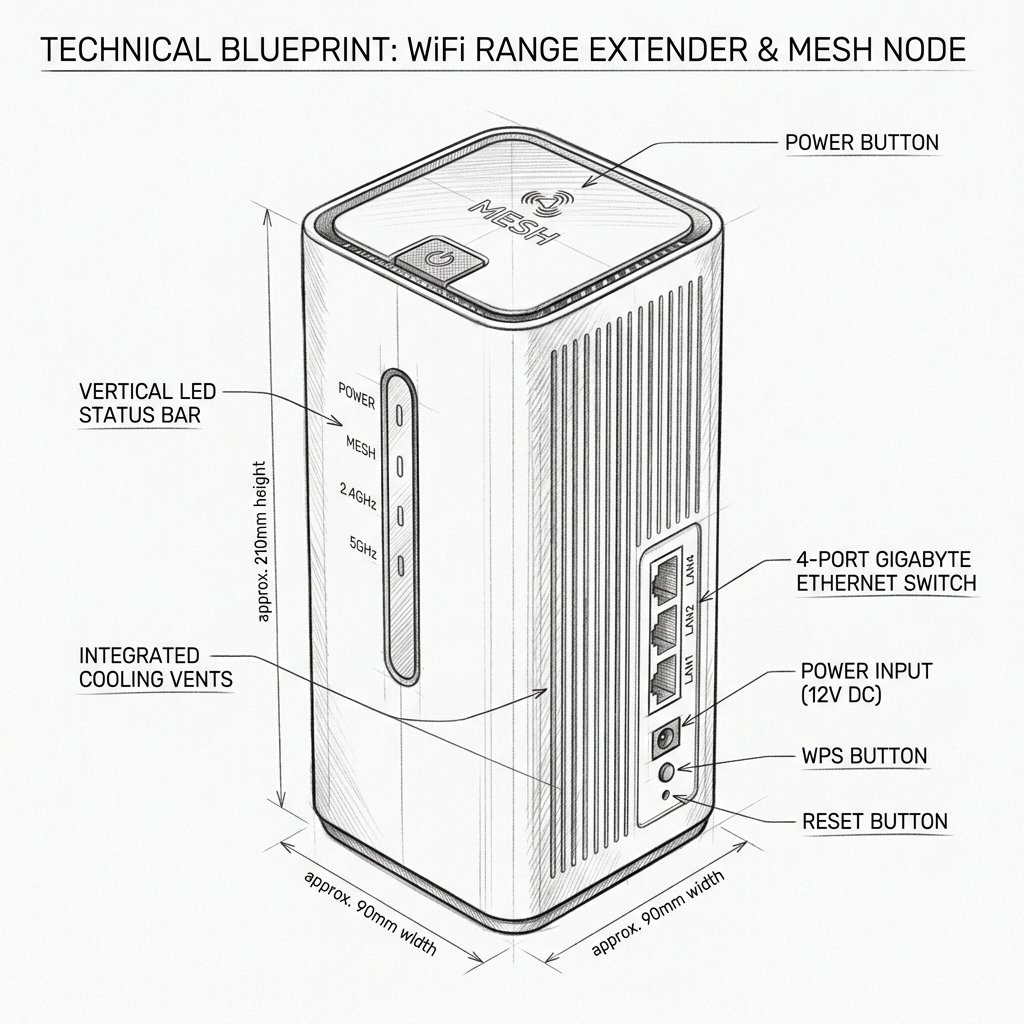
Locate the dedicated physical Reset pinhole or recessed button shown in the diagram. Use a paperclip or SIM eject tool to press and hold according to the steps below.
Factory Reset vs. Soft Reset
Use a soft reset when the Alien is slow, temporarily offline, or dropping connections. A soft reset keeps your WiFi name, password, and configuration.
Use a factory reset only when you are changing networks, selling the device, completely locked out, or unable to fix a serious configuration problem. A factory reset erases all saved settings and requires complete setup again.
Warning: Before Resetting AmpliFi Alien
Warning: Resetting the AmpliFi Alien will erase your WiFi name, password, internet settings, account association, and mesh configuration. Always try a simple power cycle first by unplugging the router, waiting 10–15 seconds, and plugging it back in. If you perform a factory reset, make sure you know your internet connection details and AmpliFi account information because you will need to configure the network again from the beginning.
Reset AmpliFi Alien
Soft Reset
- Unplug the Alien’s power adapter from the electrical outlet.
- Wait 10–15 seconds.
- Plug the power adapter back in.
- Wait for the touchscreen to complete startup.
- Confirm that the WiFi network returns and the router appears online in the AmpliFi app.
Factory Reset
- Keep the AmpliFi Alien powered on.
- Locate the recessed reset button on the back of the router.
- Use a paperclip or similar tool to press and hold the reset button for about 10 seconds.
- Release the button when the reset process begins.
- Wait several minutes for the Alien to reboot and restore factory settings.
- Open the AmpliFi app and set up the router as a new mesh system.
- Reset and re-add additional MeshPoints if they do not reconnect automatically.