
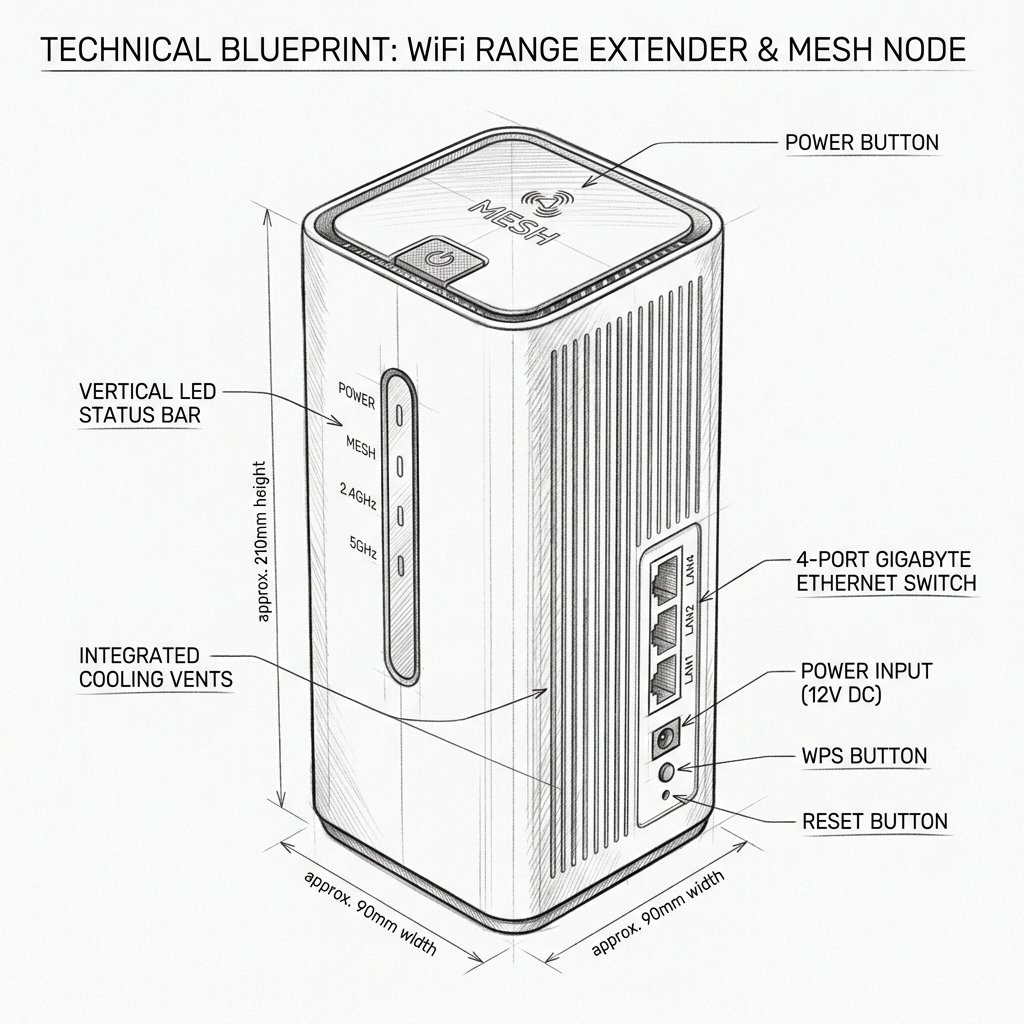
 Desktop High-Power Tower
Hardware Safety & Status
Ubiquiti AmpliFi AmpliFi HD MeshPoint (AFi-P-HD) Firmware Guide
Monitor your device's Power and System LEDs during the upgrade process. Keep the device plugged in and connected via Ethernet or stable WiFi until the reboot cycle finishes.
Solid Power LED
Stable Network
Do Not Unplug
Firmware Update for AFi-P-HD
Firmware updates for the AmpliFi HD MeshPoint are managed through the AmpliFi app and the main AmpliFi router. Keep the MeshPoint powered on and connected while updates are installed.
Update Through the AmpliFi App
- Open the AmpliFi app.
- Select the main AmpliFi network.
- Open the MeshPoint’s device details.
- Tap Update or open the firmware section if an update is available.
- Follow the on-screen instructions.
- Wait for the MeshPoint to restart and return online.
Check Firmware Version
- Open the AmpliFi app.
- Tap the main router or MeshPoint icon.
- Open the device information or system details page.
- Review the listed firmware or software version.
- Compare it with the latest version shown in the AmpliFi update prompt.
Firmware Update Precautions
- Do not unplug the MeshPoint during a firmware update.
- Do not press the reset button while the LEDs indicate an upgrade.
- Keep the main AmpliFi router online during the update.
- Wait several minutes after the update for the MeshPoint to reconnect.